


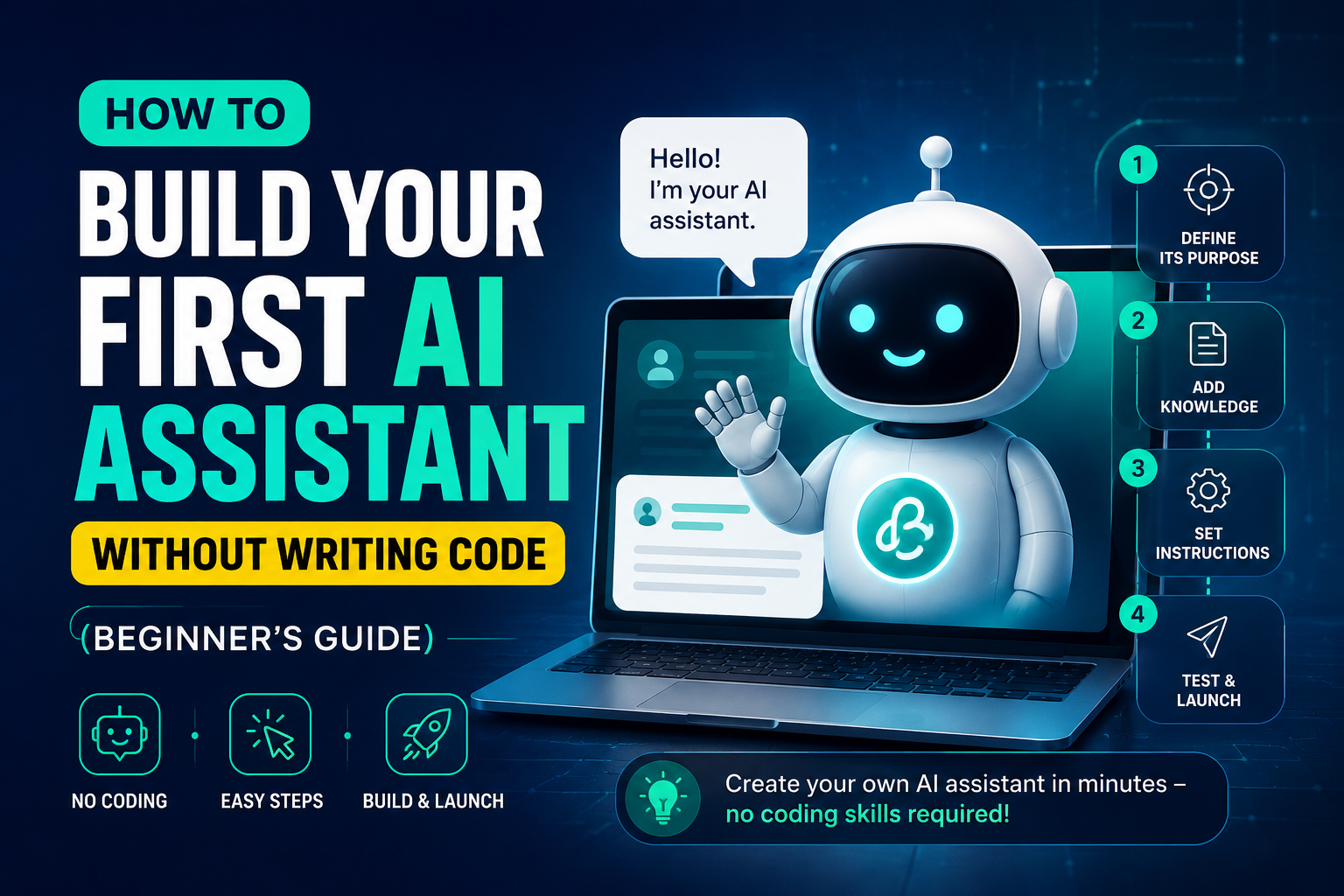
When people hear the words AI assistant, they often imagine complex software, coding, or something only developers can build. The truth is much simpler.
Today, anyone can build an AI assistant without writing code. Whether you’re a business owner, marketer, teacher, student, or office professional, you can create an assistant that helps with everyday tasks like writing emails, answering questions, planning projects, or generating ideas.
If you’re new to AI learning, this guide will show you exactly where to start.
What Is an AI Assistant?
An AI assistant is a customized AI tool that performs specific tasks based on the instructions, knowledge, and rules you provide. As AI platforms continue to evolve, many now allow users to create assistants tailored to specific workflows, making AI more practical for everyday work.
Unlike a general-purpose chatbot, an AI assistant is designed around a specific role or task. By giving it clear instructions, relevant knowledge, and guidelines, you can make it consistently respond in a way that supports your work.
Think of it as creating a digital teammate that follows your instructions every time.
Do You Need Coding Skills?
No. One of the biggest misconceptions about artificial intelligence for beginners is that coding is required. Modern AI platforms allow you to create assistants using simple instructions, uploaded documents, and clear prompts.
Your job isn’t to write code; it’s to teach the assistant how you want it to think and respond.
How to Build Your First AI Assistant (Step by Step)
Before You Start
You don’t need to be a programmer or have any technical experience. If you can explain a task to another person, you already have the main skill needed to build an AI assistant.
For this example, we’ll use ChatGPT’s GPT builder, but the same principles apply to many other AI platforms.
Step 1: Decide on One Job
The biggest mistake beginners make is trying to build an assistant that can do everything.
Instead, choose one clear task.
For example:
❌ Help me with work
✅ Help me write professional emails
✅ Help me create lesson plans
✅ Help me summarise meeting notes
A focused assistant gives more accurate and consistent responses because it has one clear purpose.
Ask yourself:
“What repetitive task do I do every week?”
That’s usually the best place to start.
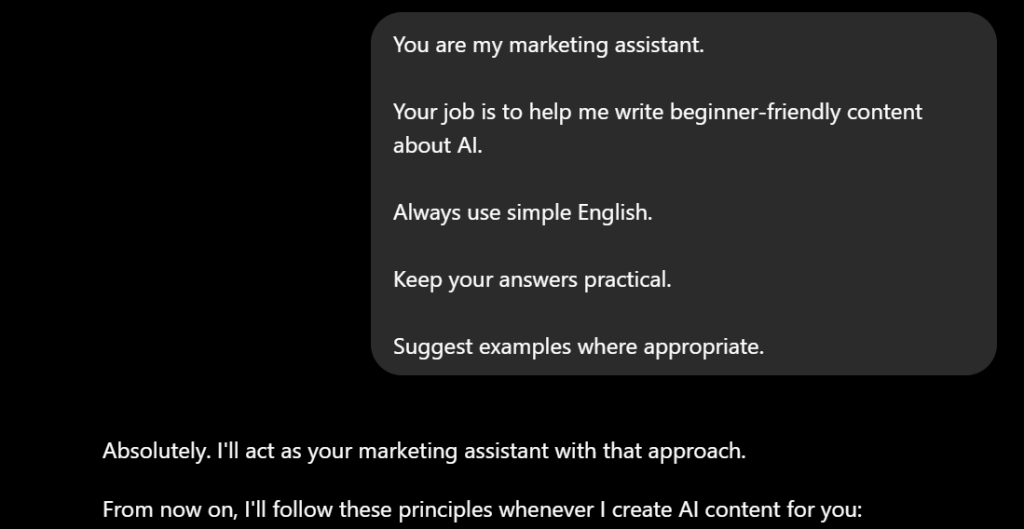
Step 2: Define Your Assistant’s Role
Once you’ve chosen its job, tell the assistant who it is.
Instead of writing:
Help me write.
Write something like:
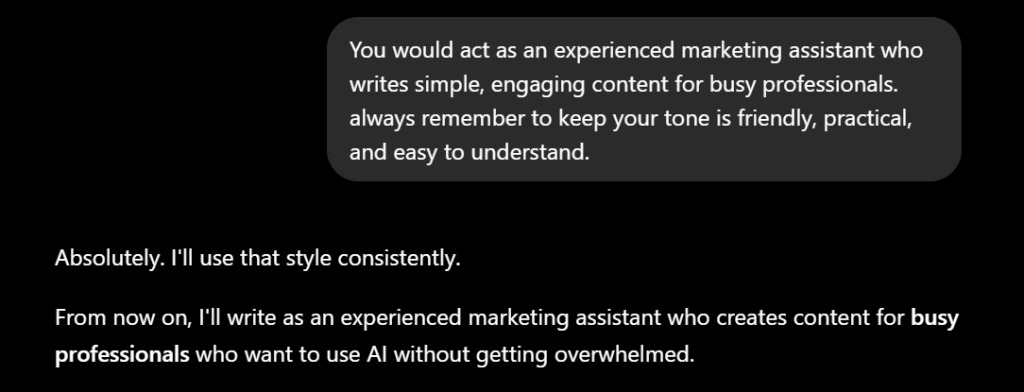
You are an experienced marketing assistant who writes simple, engaging content for busy professionals. Your tone is friendly, practical, and easy to understand.
Notice that you’re defining:
- its role
- its audience
- its tone
- its writing style
The more clearly you define these, the more consistent your assistant becomes.
Step 3: Give It Context
This is where many beginners stop too early. Imagine hiring a new employee. You wouldn’t simply say,
“Go do marketing.”
You’d explain:
- who your customers are
- your company
- your goals
- your products
- your preferred writing style
Your AI assistant needs the same information.
For example:
- Audience: Small business owners
- Tone: Friendly and professional
- Reading level: Beginner
- Goal: Educate before selling
The more context you provide, the fewer corrections you’ll have to make later.
Step 4: Add Helpful Resources
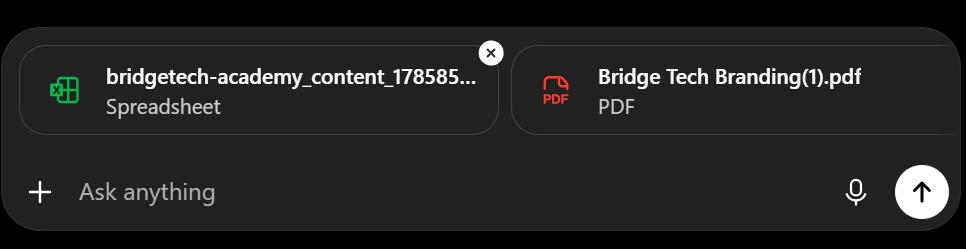
Many AI platforms allow you to upload documents that your assistant can use as reference material.
These could include:
- Brand guidelines
- Product information
- Company FAQs
- Writing style guides
- Course materials
- Policy documents
For example, if you’re building a customer support assistant, uploading your FAQ document helps the assistant provide more accurate answers that match your business.
Step 5: Test, Refine, and Improve
Don’t expect your assistant to be perfect on the first try. Ask it real questions you’d normally ask during your workday.
For example:
- Write a LinkedIn post.
- Summarise this report.
- Reply to this customer email.
- Explain this topic to a beginner.
If the answers feel too formal, update the instructions.
If it misses important details, add more context.
Building an AI assistant is an ongoing process. Each small improvement helps it produce better results over time.
Finally,
Learning how to build an AI assistant isn’t about becoming a software developer. It’s about solving everyday problems with the help of AI.
Start with one task, write clear instructions, test your assistant, and improve it over time. You’ll soon realise that the best assistants aren’t the most complicated; they’re the most focused.
If you’re looking for a practical way to learn AI from scratch, join BridgeTech Academy’s beginner-friendly AI learning community. Through hands-on lessons, workshops, and real workplace examples, you’ll develop the AI skills for career growth that employers increasingly value.

2 Comments
Pingback: AI Workflow Automation: 6 Workflows for Work - The BridgeTechAcademy Blog
Pingback: AI Agent vs Workflow: What's the Difference (and Which Do You Need)? - The BridgeTechAcademy Blog