


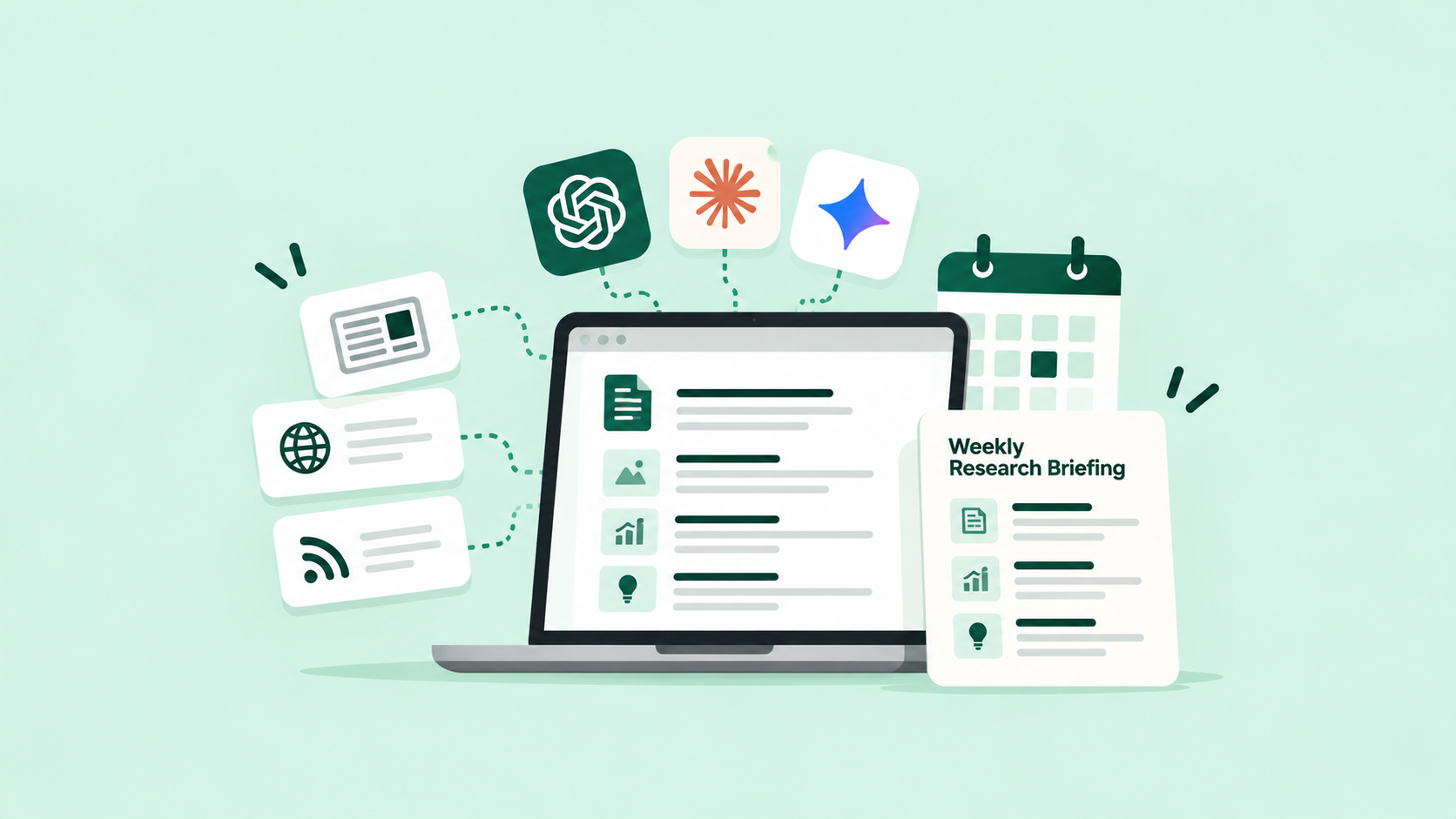
Staying informed in a fast-moving industry usually turns into one of two bad habits: doom-scrolling news for an hour a day, or giving up on staying current entirely. There’s a better middle path. Here’s how to build a weekly research briefing with ChatGPT, or Claude and Gemini depending on your setup, one that does the monitoring for you and hands you a short, structured summary instead. If you’re still figuring out where AI fits into your daily work, start with our beginner’s guide to using AI at work.
Why a Weekly Research Briefing Beats Reading as you go
A weekly briefing turns an endless reading habit into a 15-minute Monday read. AI tools are well suited to repetitive, information-heavy tasks like these. They’re also the kind of tasks that can drain your time and attention.Doing all five, every day, for every topic you care about, isn’t sustainable. A weekly briefing turns A habit with no clear limits into a fifteen-minute Monday read, and it’s exactly the kind of repetitive, information-heavy work these tools are good at, and people find draining.
Step 1: Define What You Actually Want to Track
Be specific. “Industry news” is too broad to be useful, you’ll end up with a summary that’s technically accurate and practically useless. “New product launches and pricing changes from the three tools my team uses” is something ChatGPT or Claude can actually monitor meaningfully. Narrow scope is what makes this useful instead of noisy.
Step 2: Pick a Small, A set list of sources
Choose 5–10 trusted sources. These could be newsletters, company blogs or industry publications. Avoid trying to cover the whole internet.” A briefing pulling from everywhere tends to surface more noise than signal. Claude and ChatGPT can both work from a fixed source list you give them directly in the conversation, so decide this list upfront rather than letting it drift week to week.
Step 3: Set the Structure Before You Automate Anything
Decide the shape of the output before building the process: what changed this week, why it matters, and anything requiring action. A consistent structure is what makes a briefing skimmable instead of just another long document nobody finishes reading.
Prompt You Can Use
“Each week, review [list your sources] for anything new or changed related to [your specific topic]. Summarise it in three sections: What’s New, Why It Matters, and Anything I Should Act On. Keep each item to 2–3 sentences. If nothing notable happened in a source this week, say so rather than padding the summary.”
Step 4: Choose the Right Tool for How You’ll Run This
If you want more automated monitoring, Gemini may be worth exploring alongside Google’s search and Workspace tools. This could reduce the need to copy and paste information manually. Still, verify important findings before acting on them.
Note: Keep the product capability claim aligned with the features you have actually verified for your intended audience and account type.
Step 5: Run It Manually a Few Times Before Automating It
Before wiring this into a recurring routine, run the process by hand for two or three weeks. Check whether it’s surfacing things you’d actually have wanted to know, or missing what matters. This is an important step in testing any automated workflow. Automation only helps when you trust the process behind it. A briefing that quietly misses important news can be worse than having no briefing at all.
Step 6: Automate the Recurring Version
Once the manual version works reliably, you can automate it. Set it to run on a schedule and gather information from your chosen sources. It can then prepare a draft briefing for you to review before taking action. Some teams set this up to land in a shared document every Monday morning; others prefer it as a short email. Either works, the important part is that it shows up without you having to remember to ask for it.
Step 7: Revisit the Whole Thing Periodically
What was worth tracking three months ago may not be worth tracking now. Every quarter or so, look back at whether the briefing has actually changed a decision or just become background reading you skim and forget. If it’s the latter, that’s a sign to tighten the scope again, not abandon the habit entirely.
A Few Things to Keep in Mind
- Narrow scope beats broad coverage, every time
- Always sense-check anything that sounds like it would change a real decision, don’t act on a summary alone
- Revisit your source list every few months, what’s worth tracking changes
- ChatGPT and Claude are strong for structured summarising; Gemini is worth trying if you want tighter integration with live search
A weekly research briefing built with ChatGPT, Claude, or Gemini isn’t about consuming more information. It’s about consuming less of it, more deliberately. Once it’s running, staying current stops being a chore you fall behind on and becomes something that just shows up, done, every Monday.
If you want to build this kind of practical habit properly, AI Bridge was built exactly for this.
